Submarine Tactical Command
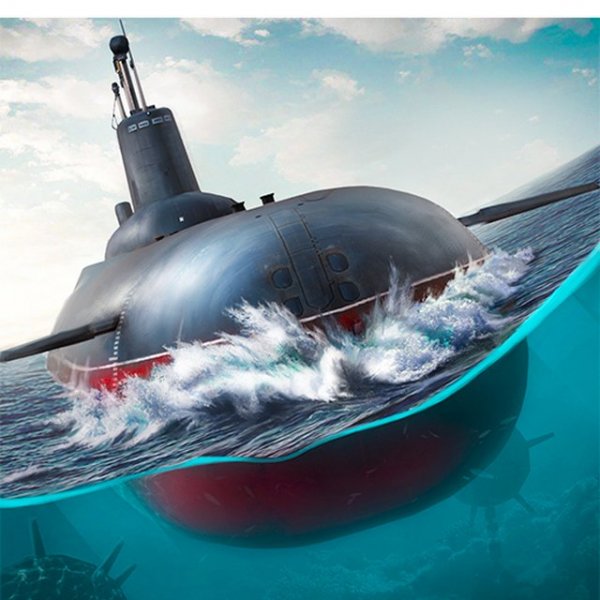
Take command of a submarine in a strategic browser simulation. Plan each torpedo shot carefully, calculate speed and trajectory, and protect your waters in this challenging naval game.
Reviews
A thoughtful naval simulation that rewards patience and precision. Perfect for strategy fans who enjoy methodical gameplay.
About this game
Game Introduction
Submarine Tactical Command is a strategic browser-based simulation that places you in the role of a submarine commander. Your primary objective is to protect your waters by intercepting enemy ships using torpedoes. The game focuses on careful planning and precision, as you must calculate target speed and torpedo trajectory to hit moving targets. With a limited supply of torpedoes, each shot requires thoughtful consideration. Developed by Gametok using WebGL technology, the game runs smoothly on modern browsers and devices, offering an accessible yet challenging experience for players who enjoy tactical naval simulations. The game emphasizes strategic thinking over fast reflexes, making it suitable for players who prefer methodical gameplay. Its browser-based nature means no downloads are required, and it works across various platforms.
How to Play
Players typically use a mouse to control the submarine's targeting system. The key is to observe the enemy ship's movement and time your torpedo launch so that it reaches the target's predicted position. A training mode is available to help you practice preemptive shooting without the pressure of real combat. Once you feel confident, you can switch to combat mode where the stakes are higher. Managing your torpedo supply is crucial—each missed shot reduces your chances of success, so accuracy is essential. The game also supports full-screen mode for a more immersive experience.
Game Features
Strategic torpedo shooting is at the heart of the gameplay, requiring players to calculate speed and trajectory. The game includes both training and combat modes, allowing you to learn at your own pace before facing real challenges. It is built with WebGL technology, ensuring full support across various devices and browsers without the need for downloads. The interface is designed for easy mouse control, and the full-screen option enhances the visual experience. These features combine to deliver a focused, skill-based naval simulation.
Tips for Success
Practice regularly in training mode to master the timing and trajectory calculations. Pay close attention to the speed and direction of enemy ships, as these factors are critical for accurate shots. Conserve your torpedoes by only firing when you have a high probability of hitting the target. Patience is key—rushing shots often leads to misses. As you gain experience, you will develop a better intuition for leading targets, which will improve your performance in combat mode.