Where Did You Go? Guessing Puzzle
Where Did You Go? is a free online puzzle game where you guess the location of a hidden star after a cardboard is moved. It sharpens memory and observation in a clean, family-friendly design.
Reviews
Clean design and smooth gameplay. Great for short breaks and memory training.
About this game
Game Introduction
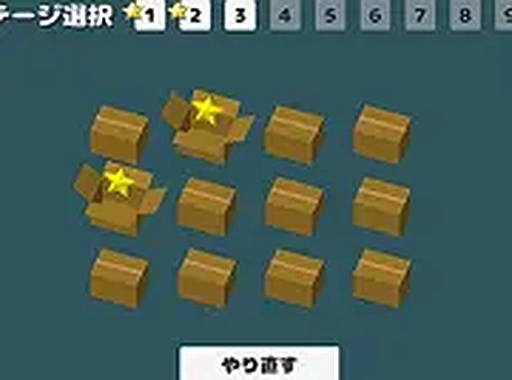
Where Did You Go? is a free online puzzle game that tests your memory and observation skills. In each round, a star is hidden under a piece of cardboard, and after the cardboard moves, you must guess where the star ended up. The game features a clean, friendly design suitable for all ages, making it a simple yet engaging brain teaser that provides hours of fun.
How to Play
Players typically use a mouse or keyboard on a desktop computer. First, observe the cardboard and the star. Click the top button to change the stage, and use the bottom button to repeat the current stage. After the cardboard moves, a save button appears at the bottom right—click it to save your progress. The goal is to correctly guess the star's location after each move. The game works best with a mouse or keyboard and supports full screen mode for an immersive experience.
Game Features
The game is free to play and offers family-friendly content. It features simple guessing mechanics, a stage progression system, and full screen mode. Players can also save their progress to continue later.
Tips for Success
To improve your performance, pay close attention to the movement of the cardboard. Practice regularly to sharpen your memory and observation skills. Try to track the star's path visually, and don't rush—take your time to make accurate guesses. Repeating stages can help reinforce your learning.
❓ Having issues?
✅ This game supports: - Desktop browsers (Chrome, Edge, Safari) - Mobile browsers (Chrome on Android, Safari on iOS) ❌ Does NOT support: - Internet Explorer - Very old browser versions 👉 Try refreshing or updating your browser